An image block's filters property is a space-separated chain of filter calls, applied to
whatever the block shows: an asset, a photo field or a signature.
{ "type": "image", "source": "assets:photo.jpg",
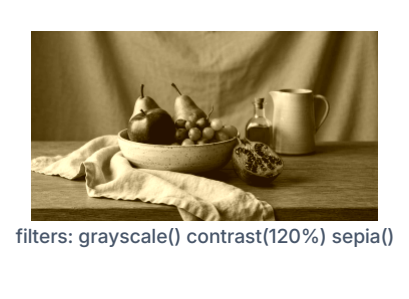
  "filters": "grayscale() contrast(120%)" }
A filter with no arguments can drop the parentheses. A call that is misspelled or has the
wrong arguments is skipped and the rest of the chain still applies. Filters run in order, so
grayscale() sepia() and sepia() grayscale() differ.
The filters, with their arguments (colorize and rgbreplace take a color, below):
| Filter | Argument |
|---|---|
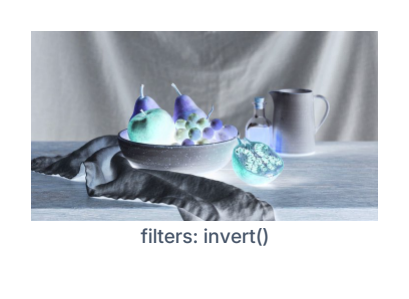
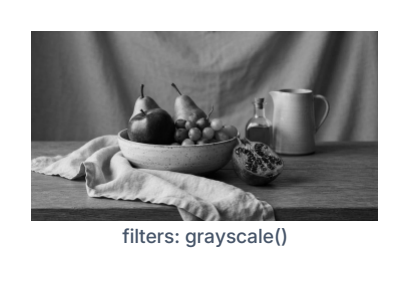
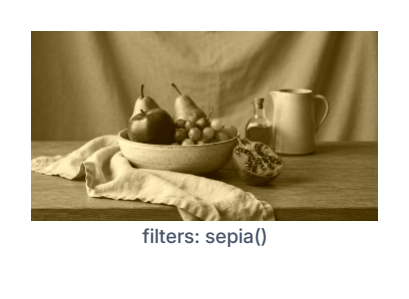
invert(), grayscale(), sepia() |
none |
brightness(pct), contrast(pct), saturate(pct) |
a percentage |
hue-rotate(deg) |
an angle |
opacity(pct) |
a percentage |
colorize(hex), rgbreplace(hex) |
a color, or inputs:field_id |
Examples of each follow.
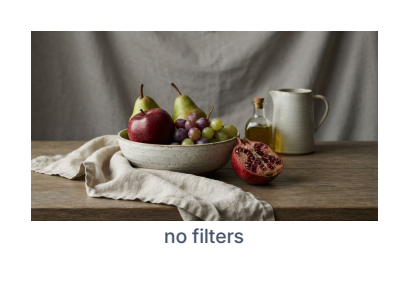
Color and tone
Percentages are relative to the original: 100% changes nothing.
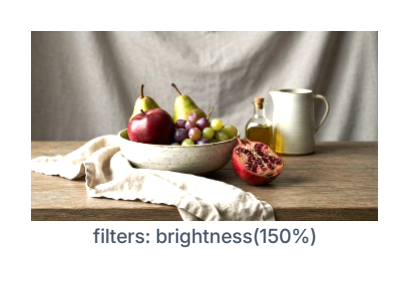
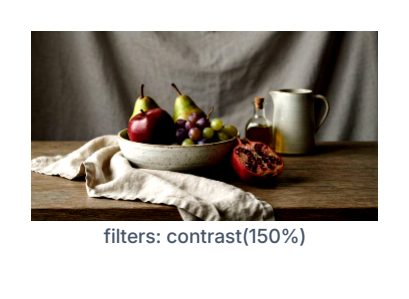
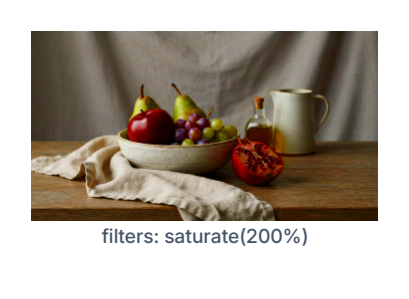
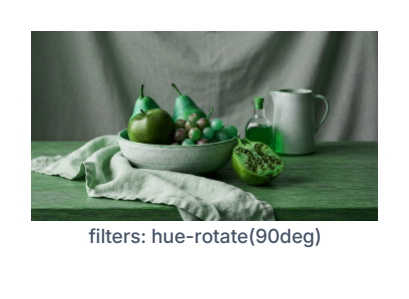
opacity(pct) makes the image more or less see-through. It multiplies the opacity the
image already has, so opacity(50%) on a half-transparent image gives a quarter, and
100% changes nothing.
Recoloring
colorize(hex) tints an image while keeping its light and dark. It suits photos and
multi-color logos. The color can also be inputs:field_id.

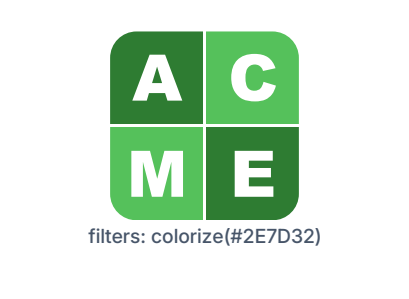
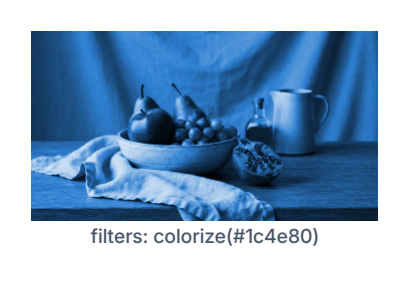
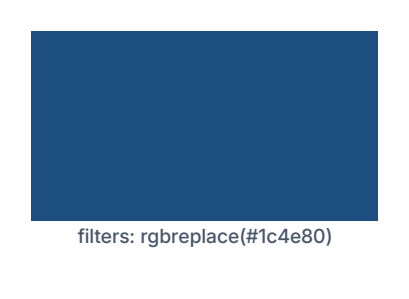
rgbreplace(hex) replaces every non-transparent pixel with one flat color. It suits
signatures and single-color marks, where every inked pixel should become the new color.
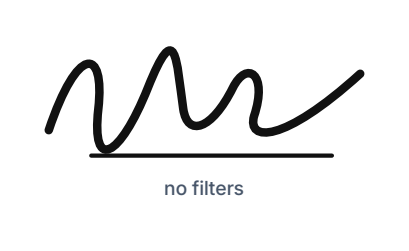
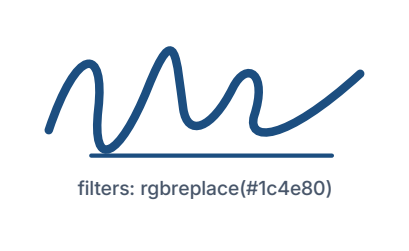
On an opaque image such as a photo, rgbreplace() fills the whole picture with the color:
Chains
Size
Large images are shrunk to their print size (200 DPI) before filtering, and never above the
Max Filter Resolution setting (default 1240 px). This doesn't change how the
result looks. SVG images stay vector: rgbreplace() recolors them directly, and the other filters
replace the SVG's own solid fill and stroke colors; gradients and currentColor are left as they are.